Reduce Little Snitch connection alerts when launching Steam games
Little Snitch is an application firewall for macOS and I find it useful to audit outgoing network connections from my computer.
The Alert mode prompts can be a bit annoying when setting up a new app, but this is usually one-time and not a hassle on day-to-day use.
However, one major annoyance is Steam games, where games may use Steamworks networking (even if the game doesn't have multiplayer) and this triggers a ton of connection alerts on first launch. If you play a lot of games on Steam, this gets quite irritating.
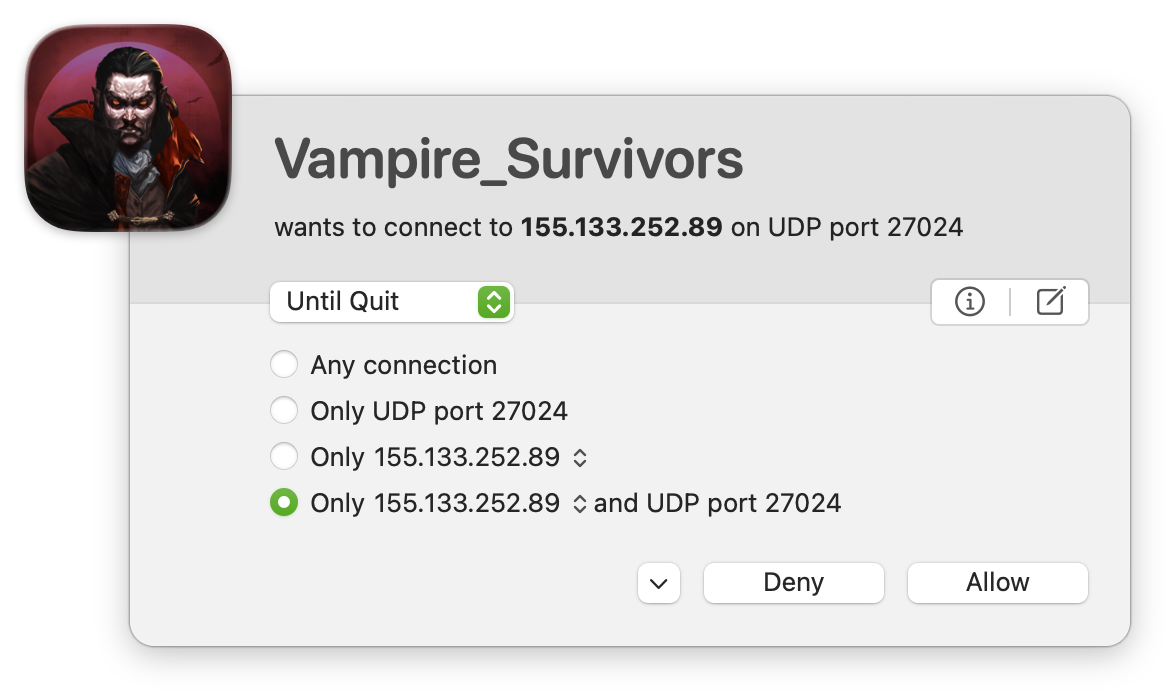
Luckily, Valve publishes a list of their IP addresses, so we can create a custom rule in Little Snitch:
- Process: Any Process
- Require: No Requirement (because many games aren't code-signed)
- Action: Allow
- Direction: Outgoing
- To: IP Addresses
Copy the entire list (https://as32590.net/ipv4.txt) and paste to the big textbox - Port: 27015-27178
- Protocol: 17 (UDP)
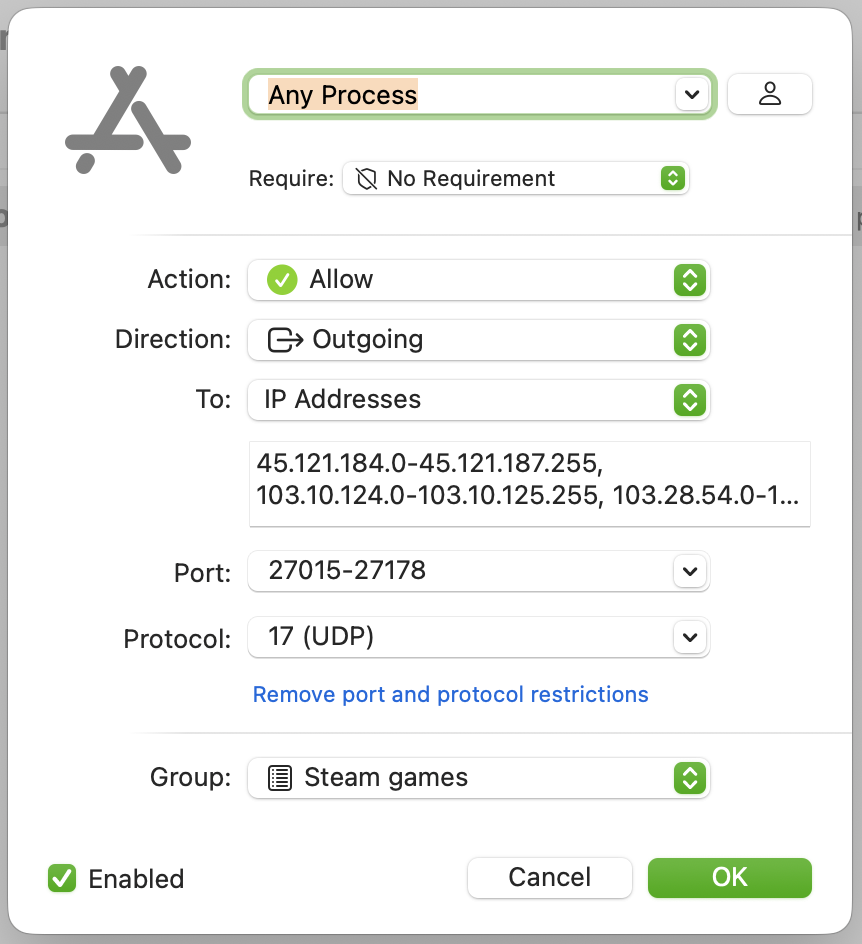
Once this rule is set up, there should be drastically less connection alerts when starting a game.