Legacy Intel games on macOS 27 Golden Gate
Mac apps/games that are only available as Intel binaries and no native Apple Silicon support are a ticking time bomb as Rosetta is going to be deprecated.
The first developer beta of macOS 27 Golden Gate is released today, and I tried it out on a test machine to see how legacy Intel apps/games behave.
When installing Rosetta for the first time, there is a warning that Intel-based apps will not open in macOS 28.
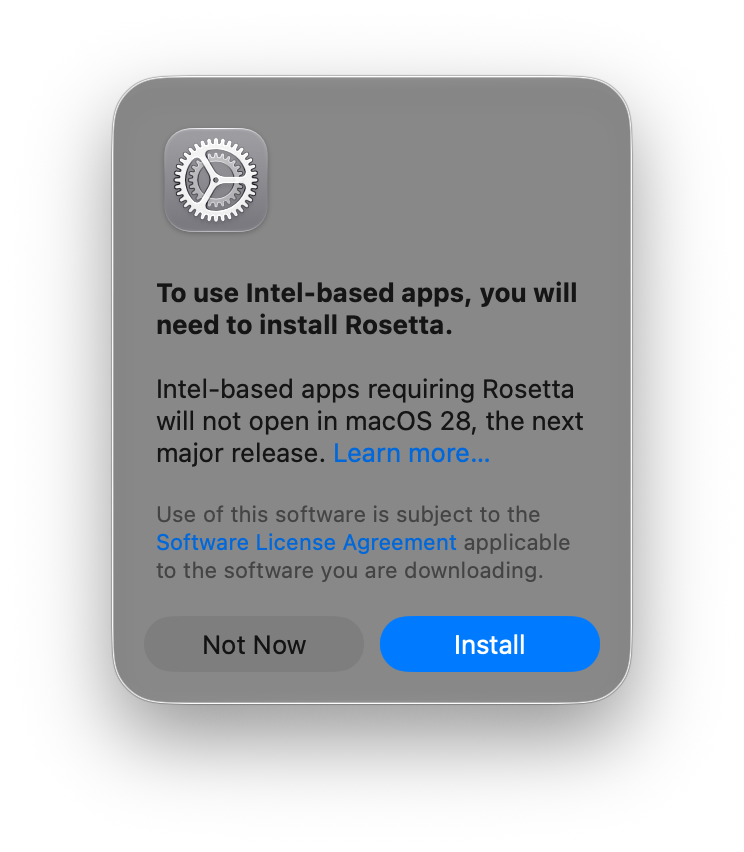
The top-right notification text also got a tweak, it's interesting that it mentions "an Apple silicon update is available on the developer's website" but I'm not sure how that detection is done.
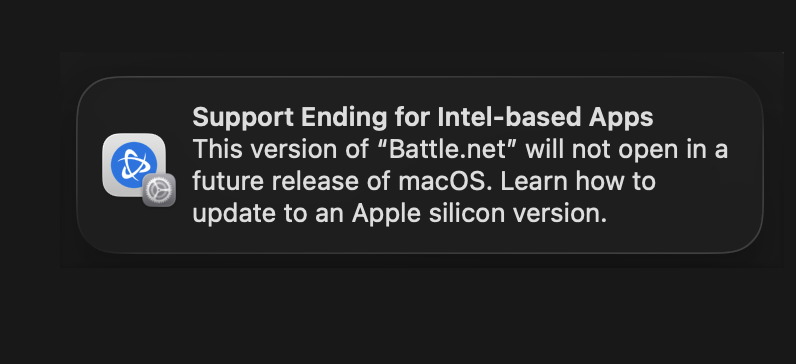
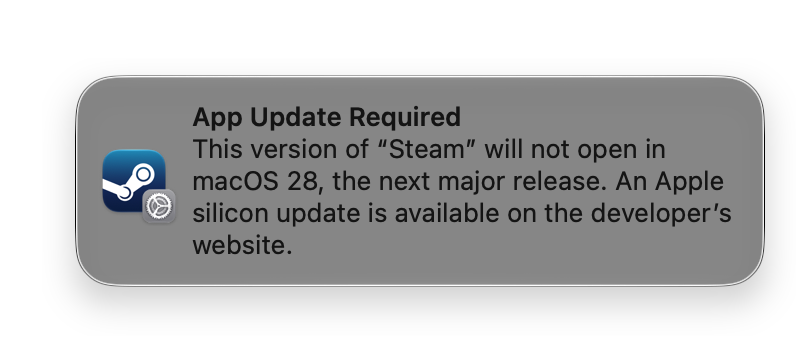
(Left) macOS 26 Tahoe: Support Ending for Intel-based Apps (Right) macOS 27 Golden Gate: App Update Required
There is a new 'Intel-based Apps' section in System Settings > General > About. Note that this list is incomplete and doesn't list every Intel app, a more complete list can be found at System Information > Applications.
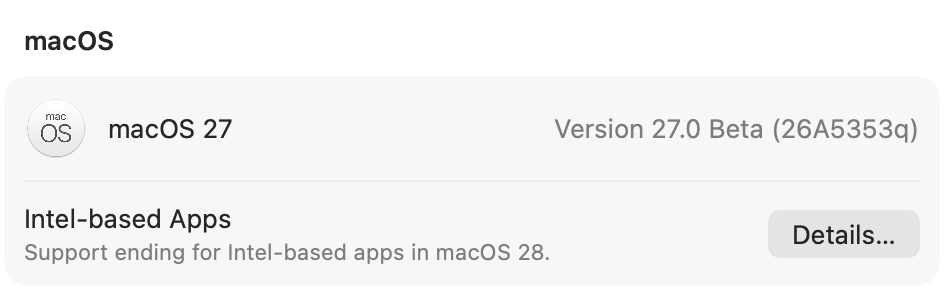
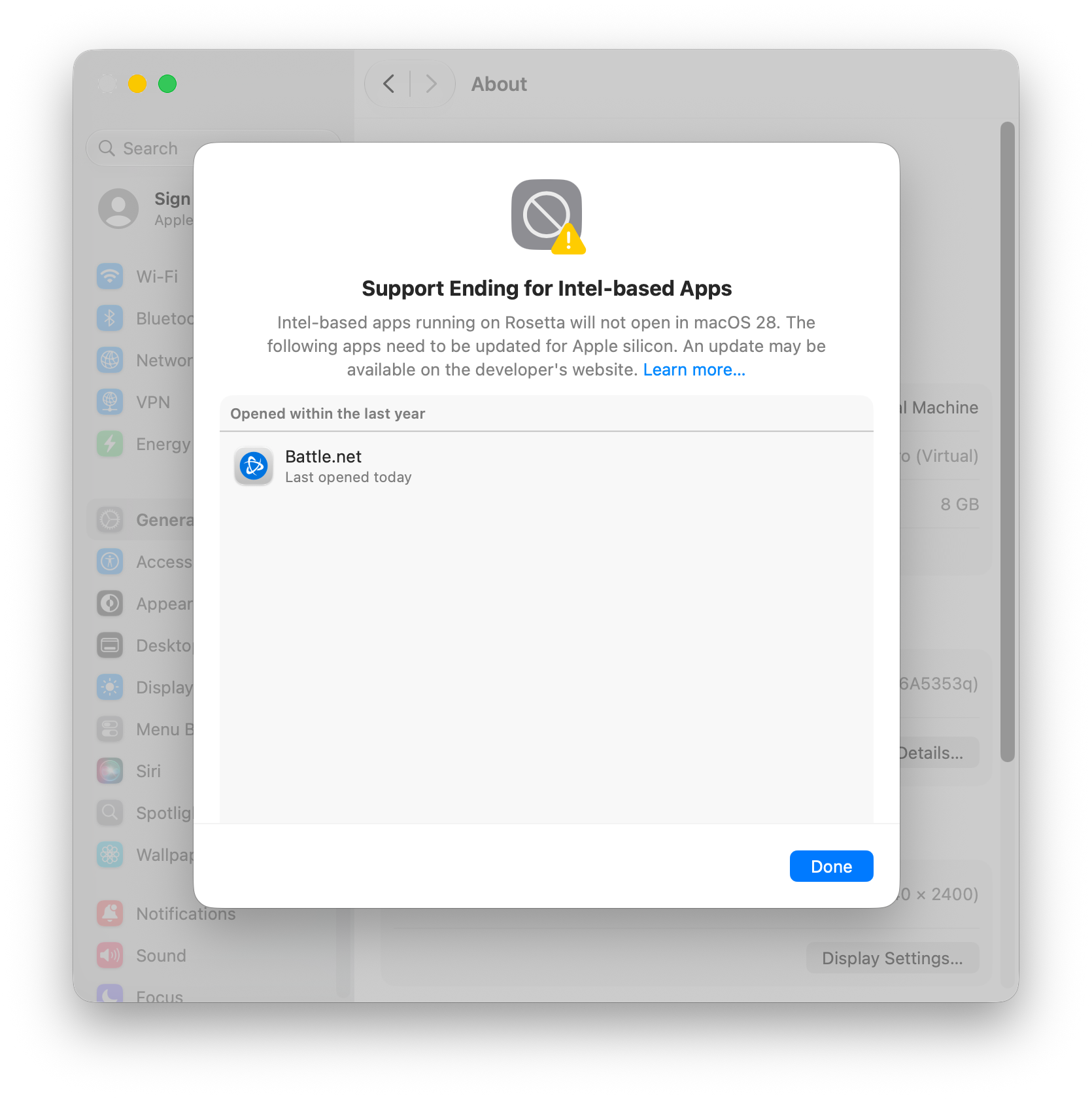
From the beta release notes:
Settings > General now lists Intel-based apps that will be incompatible with macOS 28.0. The list also identifies unused Intel-based software discovered on the system. The system might suggest a website where an Apple silicon native version can be found for a listed app.
https://developer.apple.com/documentation/macos-release-notes/macos-27-release-notes#EcosystemUI
Opening the app's Info in Finder also shows a warning under the Kind section.
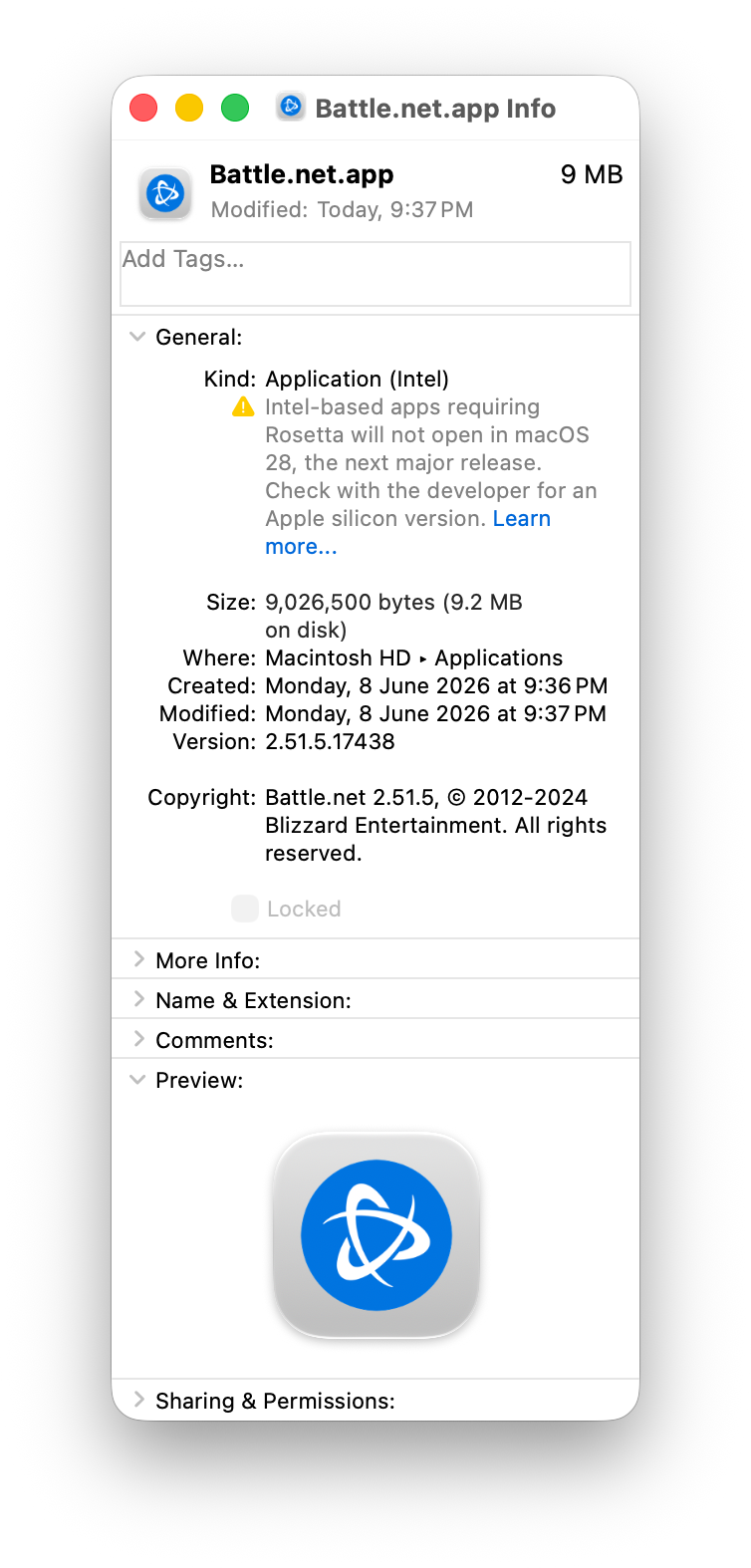
The legacy Intel warnings don't appear for games, Apple said that they "will keep a subset of Rosetta functionality aimed at supporting older unmaintained gaming titles". Which is probably a good thing as it would be similar to the 32-bit iOS and macOS apocalypse which made many old games unplayable.
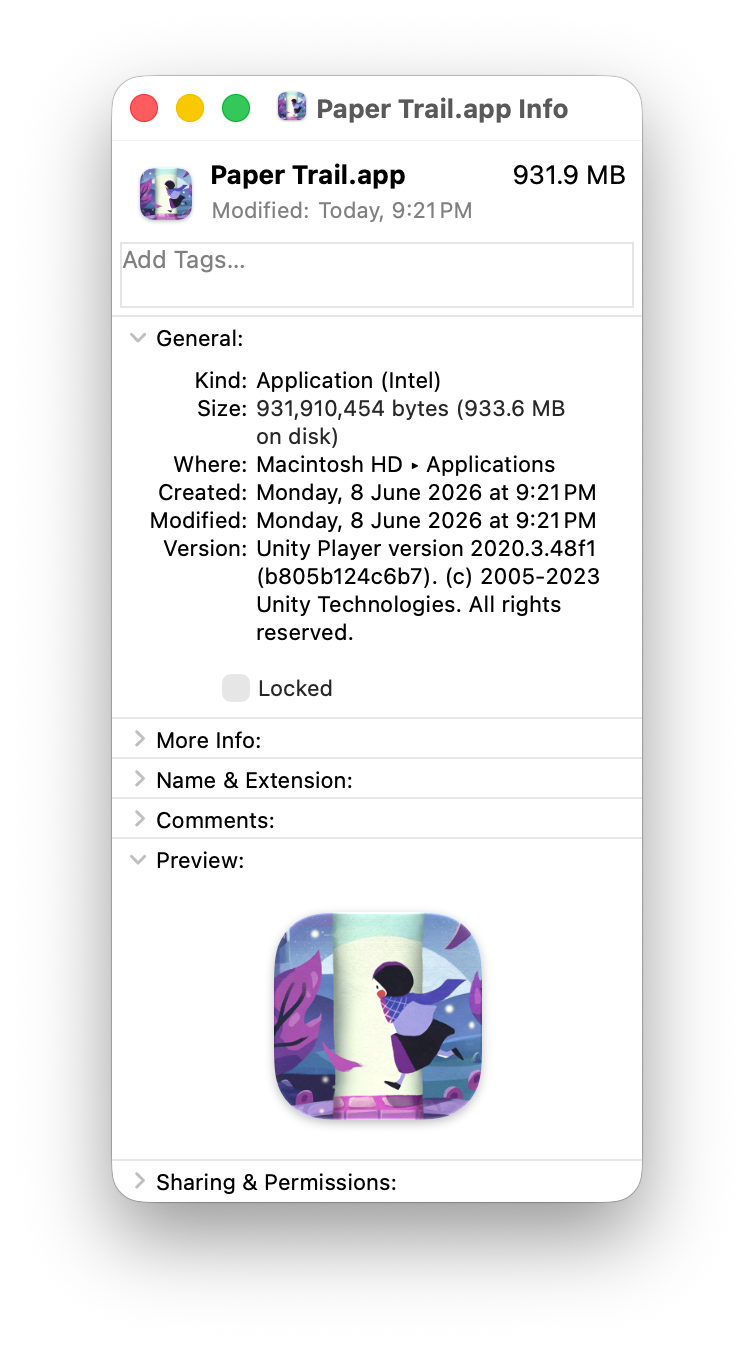
Game detection is done by checking the app category, adding/removing the category in the game's Info.plist will hide/show the warning.
<key>LSApplicationCategoryType</key>
<string>public.app-category.games</string>
There is a new game-test-tool executable to enable 'x86_64 game test mode' which is likely the behavior of macOS 28 once Rosetta is fully deprecated for non-games. I tried enabling it and restarting, but I don't see any direct functionality change as both Intel apps/games still seem to work.
user@mac ~ % sudo game-test-tool --help
OVERVIEW: Manages x86_64 game test mode

USAGE: game-test-tool <subcommand>

OPTIONS:
  --version               Show the version.
  -h, --help              Show help information.

SUBCOMMANDS:
  enable                  Enable x86_64 game test mode (requires restart)
  disable                 Disable x86_64 game test mode (requires restart)
  status (default)        Show whether x86_64 game test mode is enabled

  See 'game-test-tool help <subcommand>' for detailed help.
user@mac ~ % sudo game-test-tool enable
WARNING: Enabling x86_64 game test mode may cause some x86_64 applications
to crash or fail to launch. This mode is intended for game testing only.
A restart is required for the change to take effect.
Revert with: sudo game-test-tool disable
Continue? [y/N] y
x86_64 game test mode enabled. Restart to apply.From the beta release notes:
A new command line tool lets you enable support for legacy Intel-based games during beta releases. To enable it, run the following command in Terminal: sudo game-test-tool enable. Restart your Mac computer for the change to take effect. Once enabled, games run transparently through the new underlying system behavior. Note that enabling legacy game support disables Rosetta, non-game processes might crash or behave unexpectedly, and this feature is intended only for playing legacy Intel-based games and is not available outside of macOS beta releases.
https://developer.apple.com/documentation/macos-release-notes/macos-27-release-notes#Gaming
It's still possible to force crash any legacy process using Rosetta with this command:
sudo nvram boot-args="nox86exec=1"